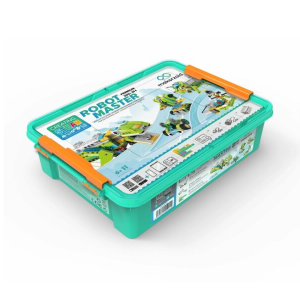
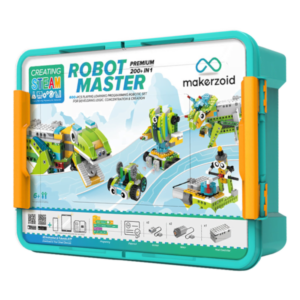
Please make sure that the product you are purchasing is a standard or premium product, and then select the appropriate “bundle”.
After registering by phone number or email, click “Course” and then click “Exchange Code” to fill in the course card number (supplied with the product) and password to use the course.
Why can’t I connect the robot I created to my mobile phone/tablet?
Follow the steps below.
Check Bluetooth: Make sure Bluetooth is turned on on your smart devices.
App Permissions: Check if the app is allowed to access location and Bluetooth functionality.
Connection: Bring the device closer to the robot. If the light changes from red to green after 10 seconds, it means the device is connected.
Restart your devices: If the connection still doesn’t work, try restarting your devices, Bluetooth, and the app.
Reinstall the app: If the problem persists, uninstall the app and reinstall it.
If it still does not work after these steps, please contact our after-sales service for help.
Why does my robot keep flashing red and green lights?
It means the batteries are low – please replace them with new ones.
We recommend Duracell batteries: after hundreds of tests by our R&D team, they proved the most reliable for running the robot at any speed it supports.
What is the warranty?
The warranty period for the sold goods is 24 (twenty-four) months, unless a shorter term follows from the nature of the sold goods, the service life and functionality of the material used. If the period of use is indicated on the sold product, its packaging or in the instructions attached to it, the warranty period does not expire until the end of this period.



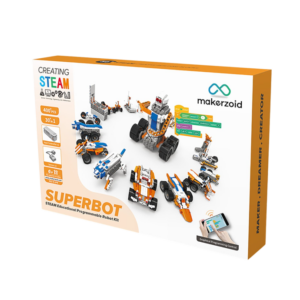 Original price was: 69.00 €. Current price is: 48.30 €.Black Friday · 8–30.1148.30 €−30%Add to basket
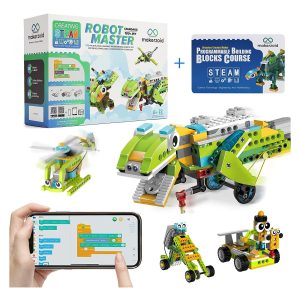
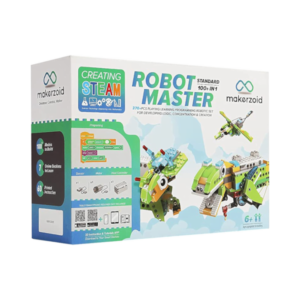 Original price was: 89.00 €. Current price is: 84.55 €.Black Friday · 8–30.1184.55 €−5%Add to basket


